
Data guides
Import work photos
Bring shots from the Photos app into Clips so only work lives here
How to import photos from the system Photos app into Clips and keep only work photos there.
Keep Photos for memories.
The system Photos app is where we record everyday life and look back on memories.
But as work photos and videos pile up, personal moments and work records start to mix.
Import work photos to move those shots from Photos into Clips and keep them there.
Collect work records in Clips, and let Photos be a place for memories again.
How do I import?
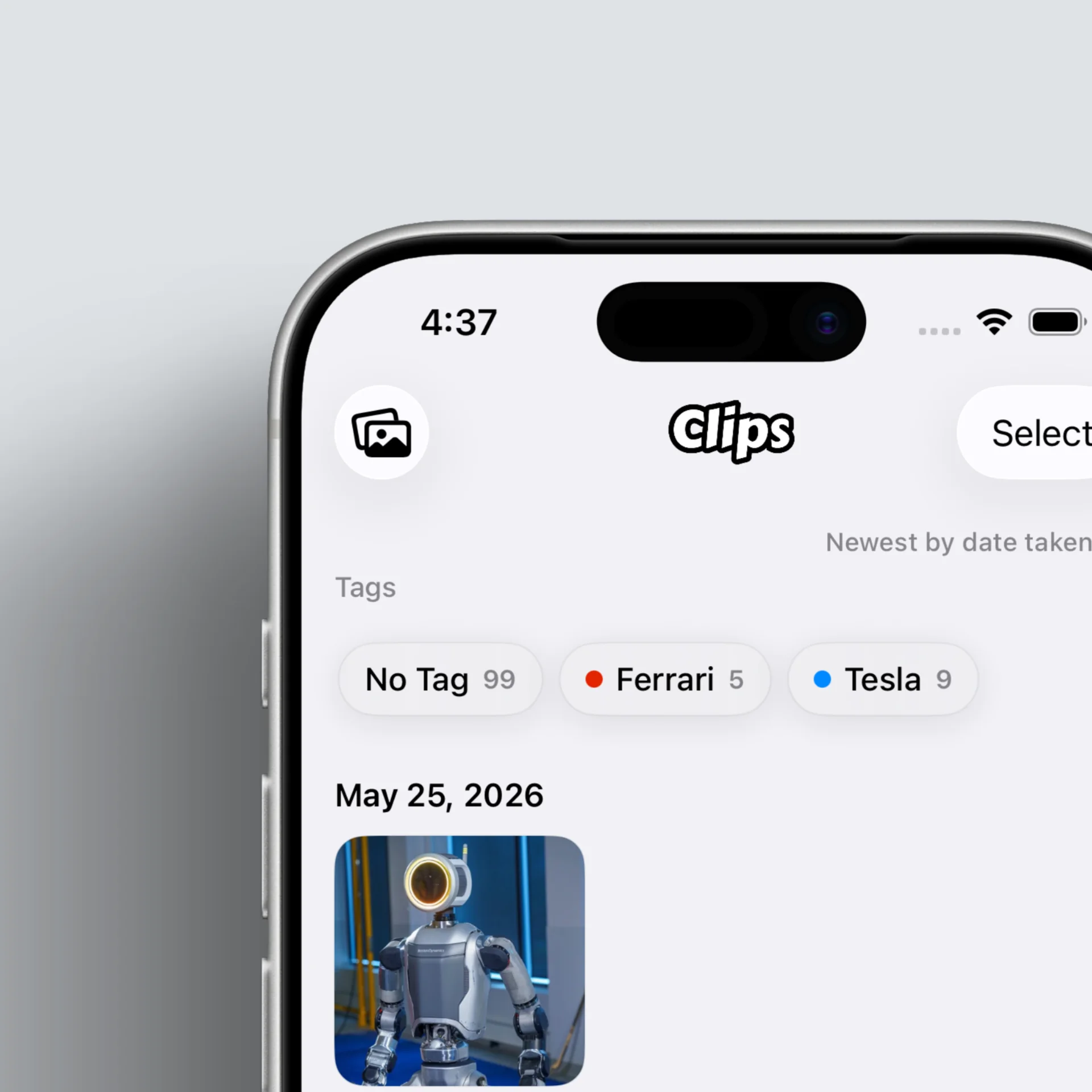
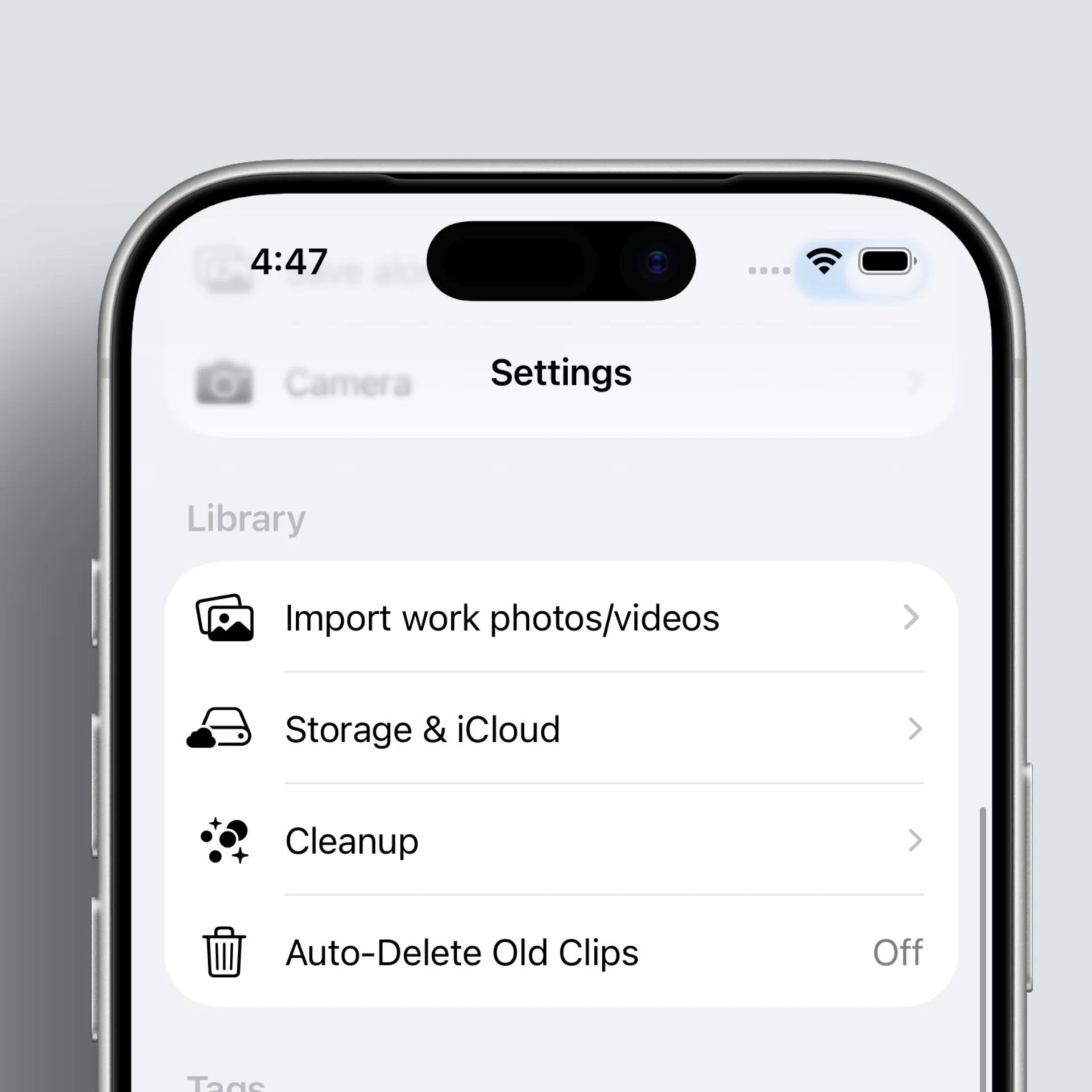
You can open Import work photos / videos from two places.
- From the top left of the main gallery grid, as in the left image
- From the Library section in Settings
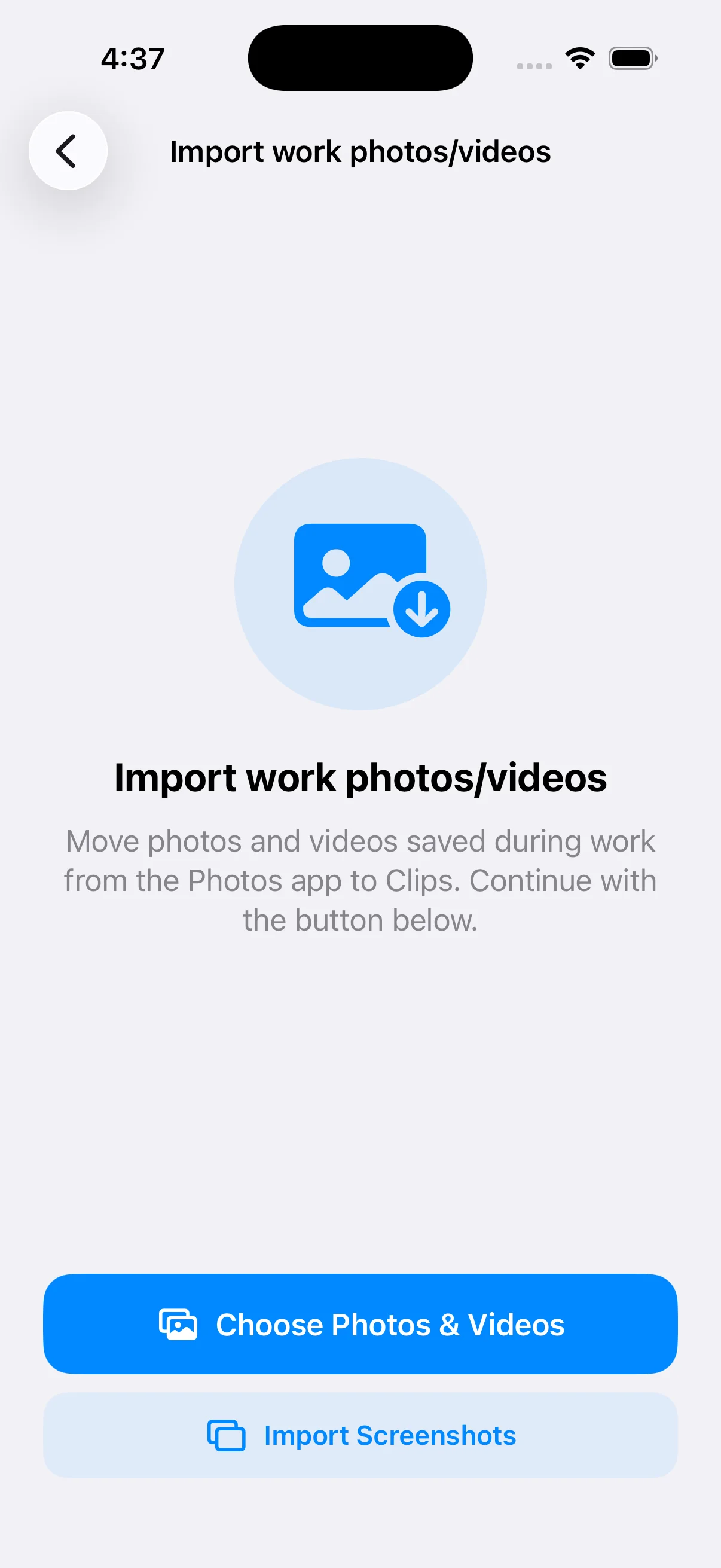
- Follow the prompts to select images; they are saved into Clips.
- You can collect screenshots separately and put them in their own folder.
- If you want, delete the originals from Photos to keep work and everyday life more clearly apart.
Using imported photos
- Photos stored in Clips can be sent back to Photos with Send when you need them.
- Use Photos as a path only when you need it, so other apps can pick images and videos the usual way. (See the guide below for details.)
Key takeaways
- You can import photos from the system Photos app into Clips.
- Work photos can be kept and managed separately.
- Send them back to Photos only when you need to use them.