
Save with Photos
Save Clips photos to the system Photos app and tidy them up again
Tried to attach a photo in another app and couldn’t find the shot you took in Clips? Clips helps you pick photos in other apps while keeping the system Photos library clean.
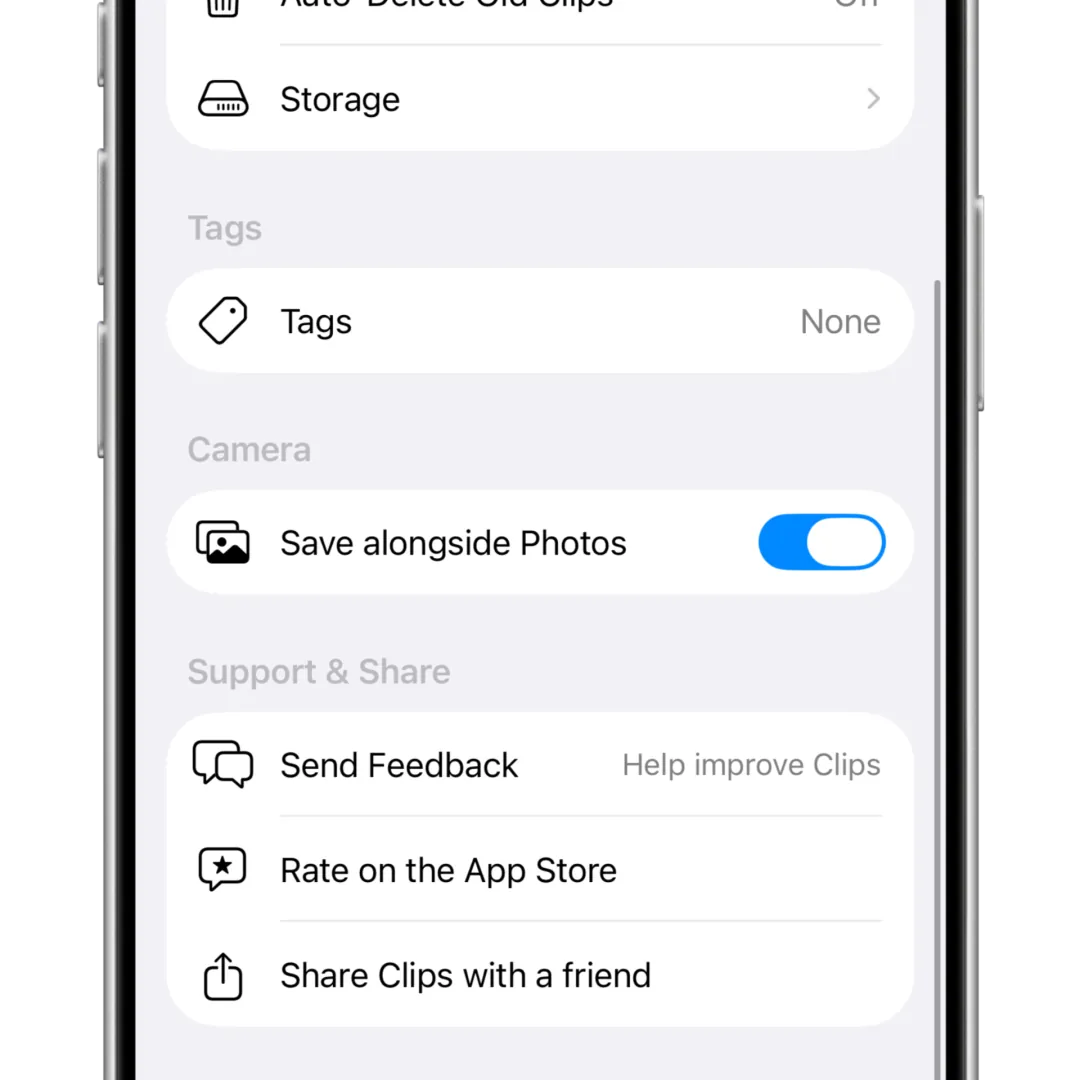
1. Turn on Save with Photos
Save with Photos is in the Clips Settings tab. Tap the toggle to turn it on.
2. Take a photo
After that, photos you capture are saved to both Clips and the system Photos app. Then upload those images from other apps.
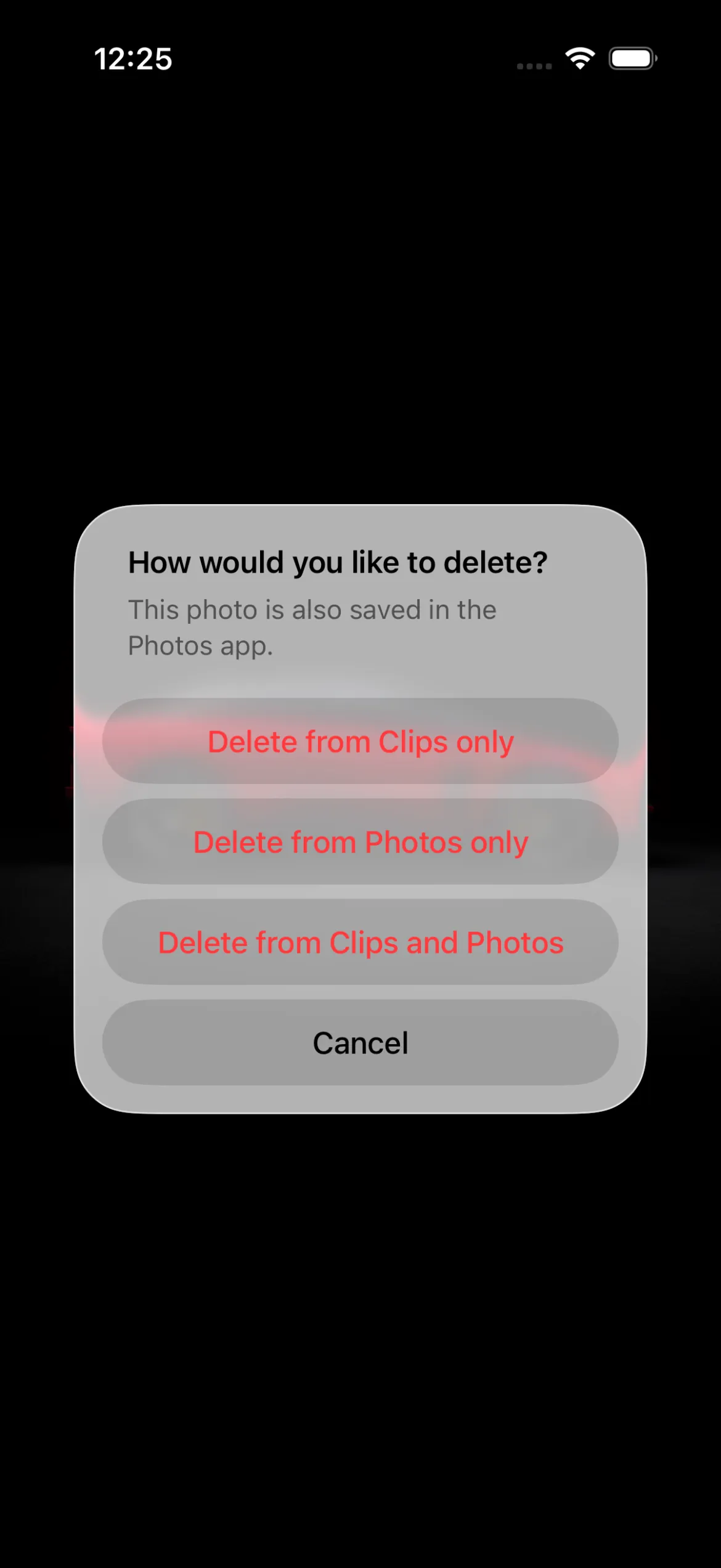
3. Manage photos in Clips
Your work photos are now in Photos. Clips still treats the system Photos app as a path for uploading to other apps.
When you delete an image in Clips, you can choose to delete it from Photos and keep it in Clips, delete it only in Clips and leave Photos, or delete it from both.
If you want to keep it just in case, deleting only from the system Photos app leaves Photos with personal memories.
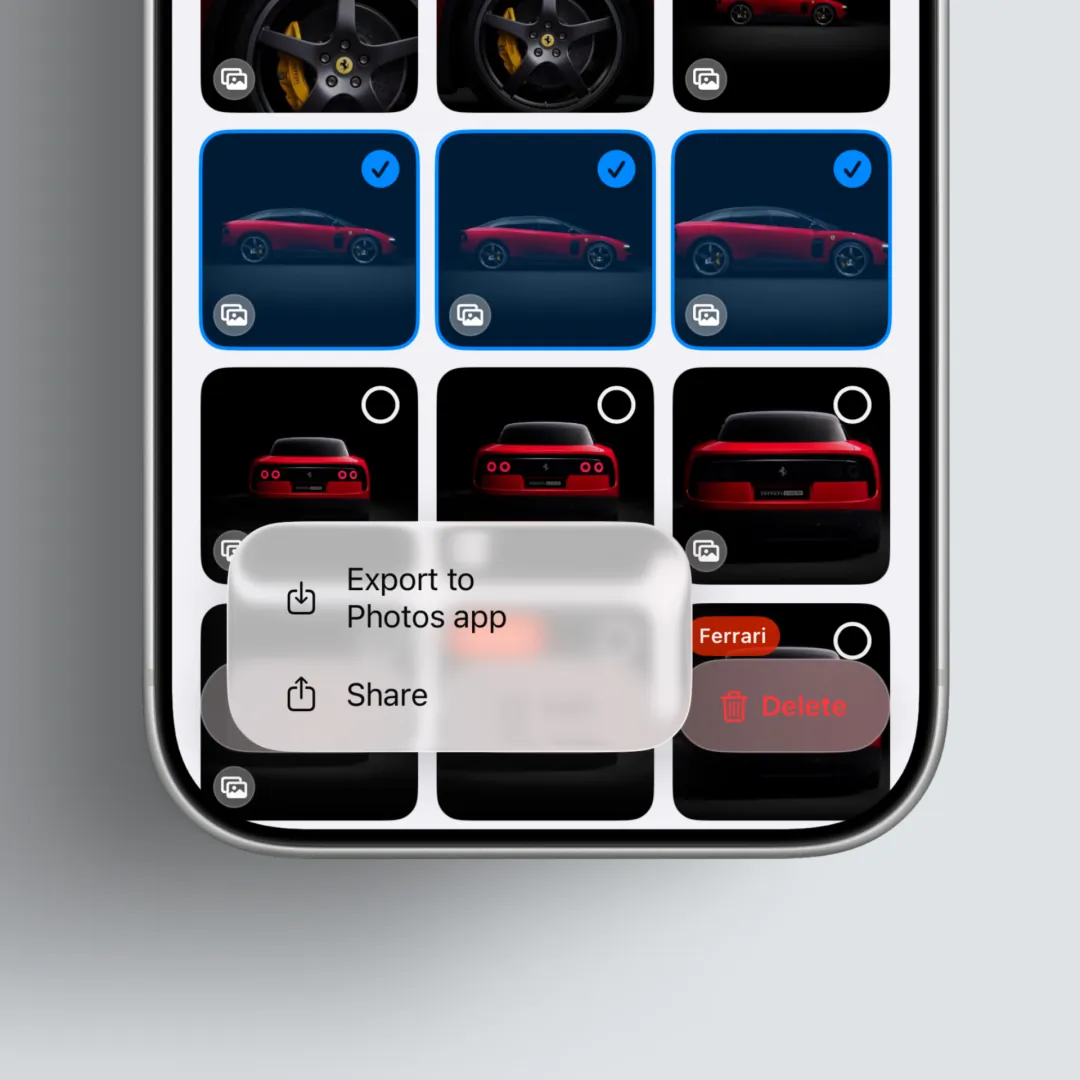
4. Need it in another app again later?
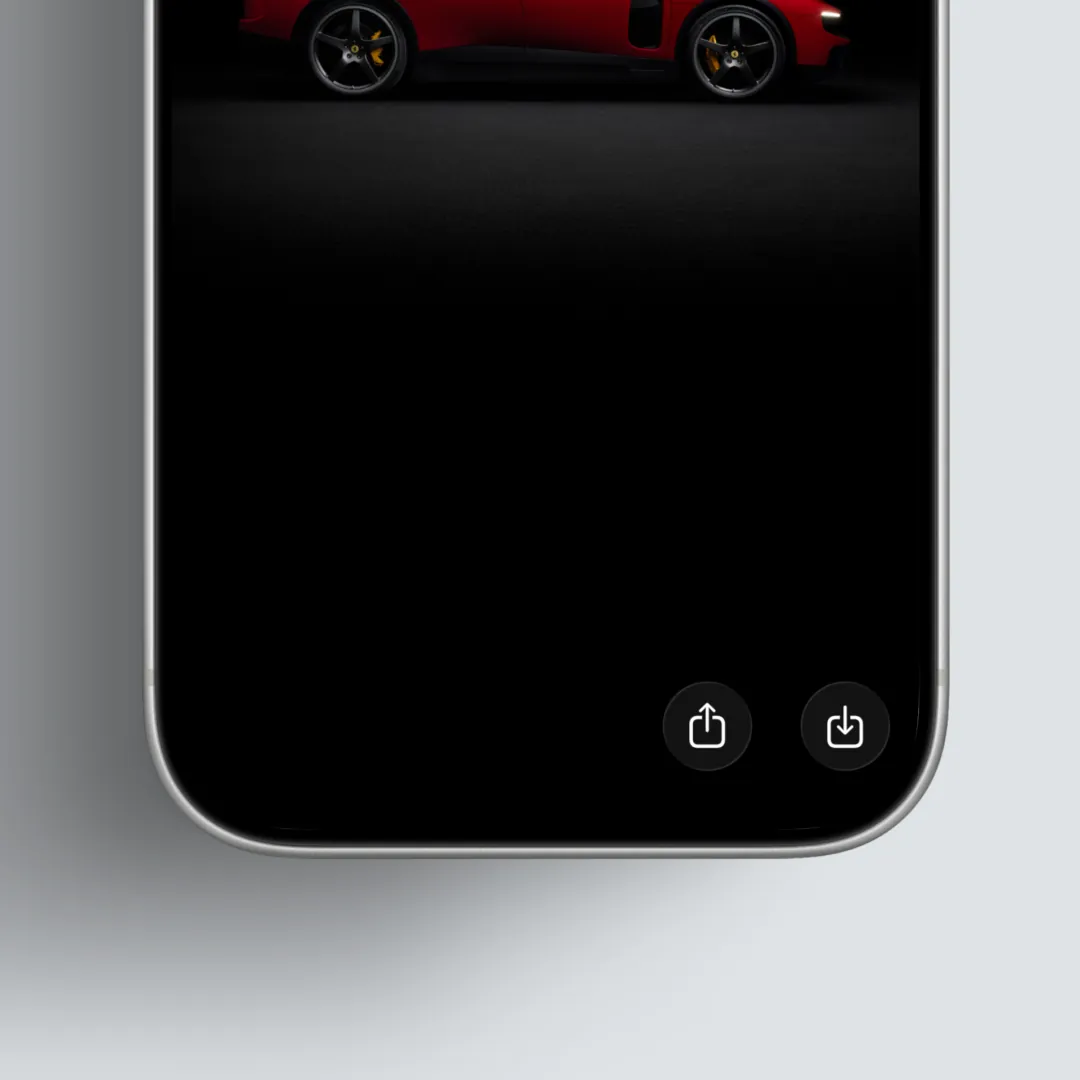
If you need to attach it again, use Share at the top of the photo viewer, or tap Select on the main gallery and send the images back to Photos.
After you use them, delete in Clips again and Clips will track those photos and remove them from the system Photos app. (See the guide below for more detail.)
Export work photosExport clips from Clips to the system Photos app5. Tidy Photos after you use them
CleanUp helps you clear work photos from Photos on a daily basis. See the CleanUp guide below.
CleanUp GuideUse photos in other apps while keeping only memories in the system Photos appKey takeaways
- Clips uses the system Photos app as a handoff path.
- Turn on Save with Photos to attach Clips shots in other apps more easily.
- You can enable the feature in Settings.
- You can manage deletions in Clips, including cleaning up images in Photos.
- If you need to share again later, export back to Photos, then tidy up the same way after use.