
CleanUp Guide
Use photos in other apps while keeping only memories in the system Photos app
CleanUp helps you keep the system Photos app tidy with personal memories when your work requires attaching or using images in other apps (messengers, work apps, and more).
What is CleanUp?
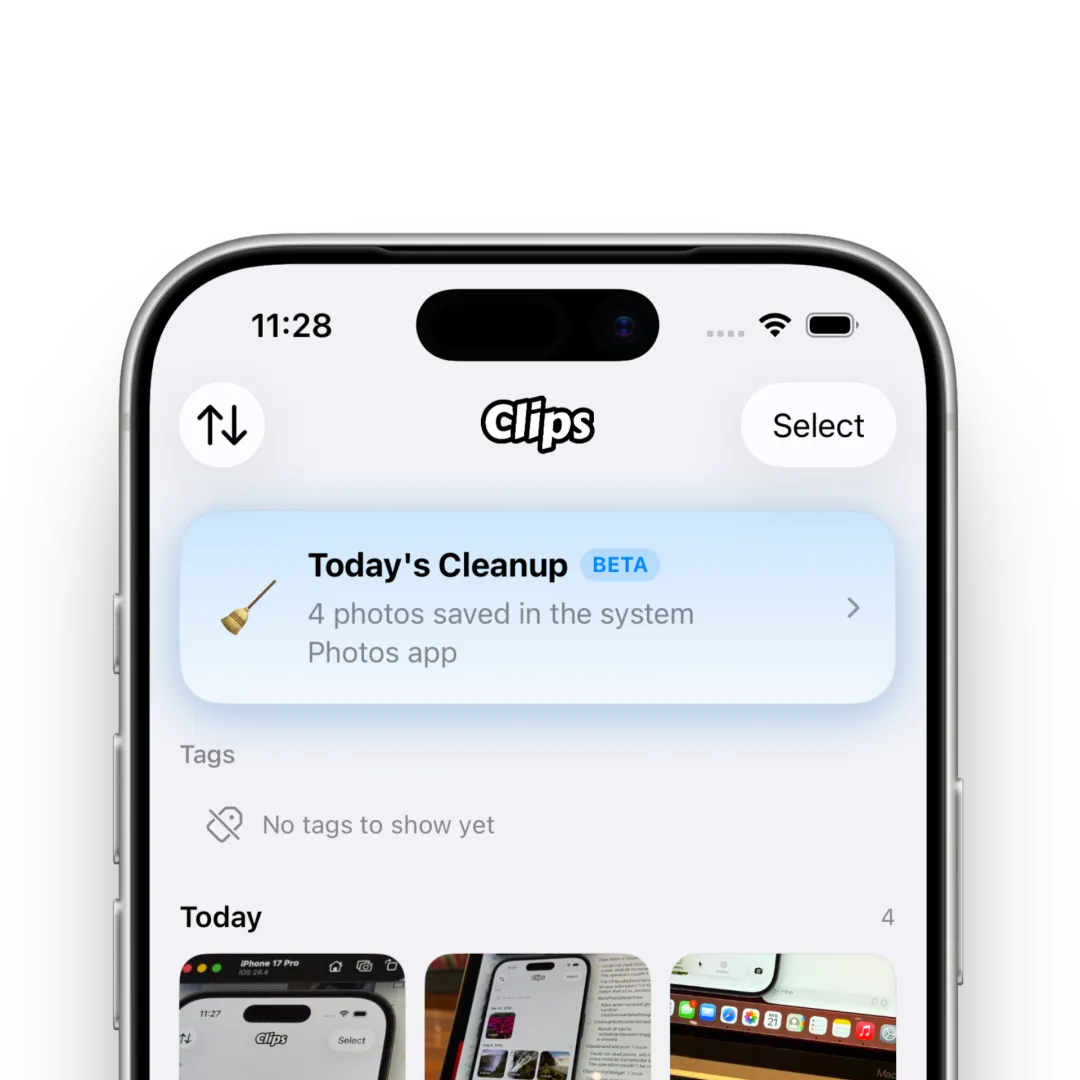
CleanUp tracks work photos that were also saved to Photos—when you turn on Save with Photos so other apps can use images, or when you export from Clips to Photos—and periodically keeps the system Photos app clean.
Cleanup removes only assets in the system Photos app (Photos). Image and video records inside Clips stay as they are.
Using CleanUp
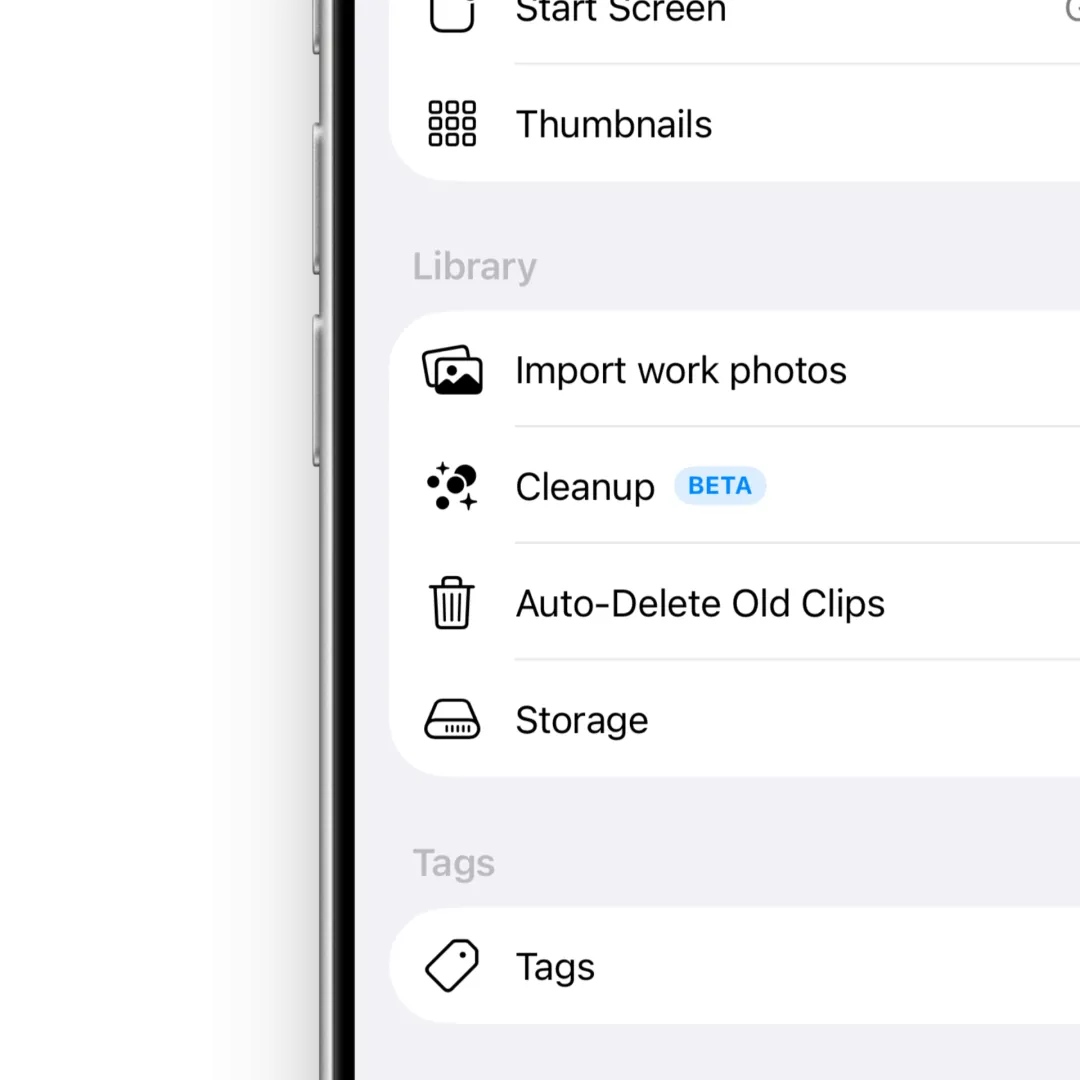
Open Settings > Library > CleanUp to turn the feature on and set options.
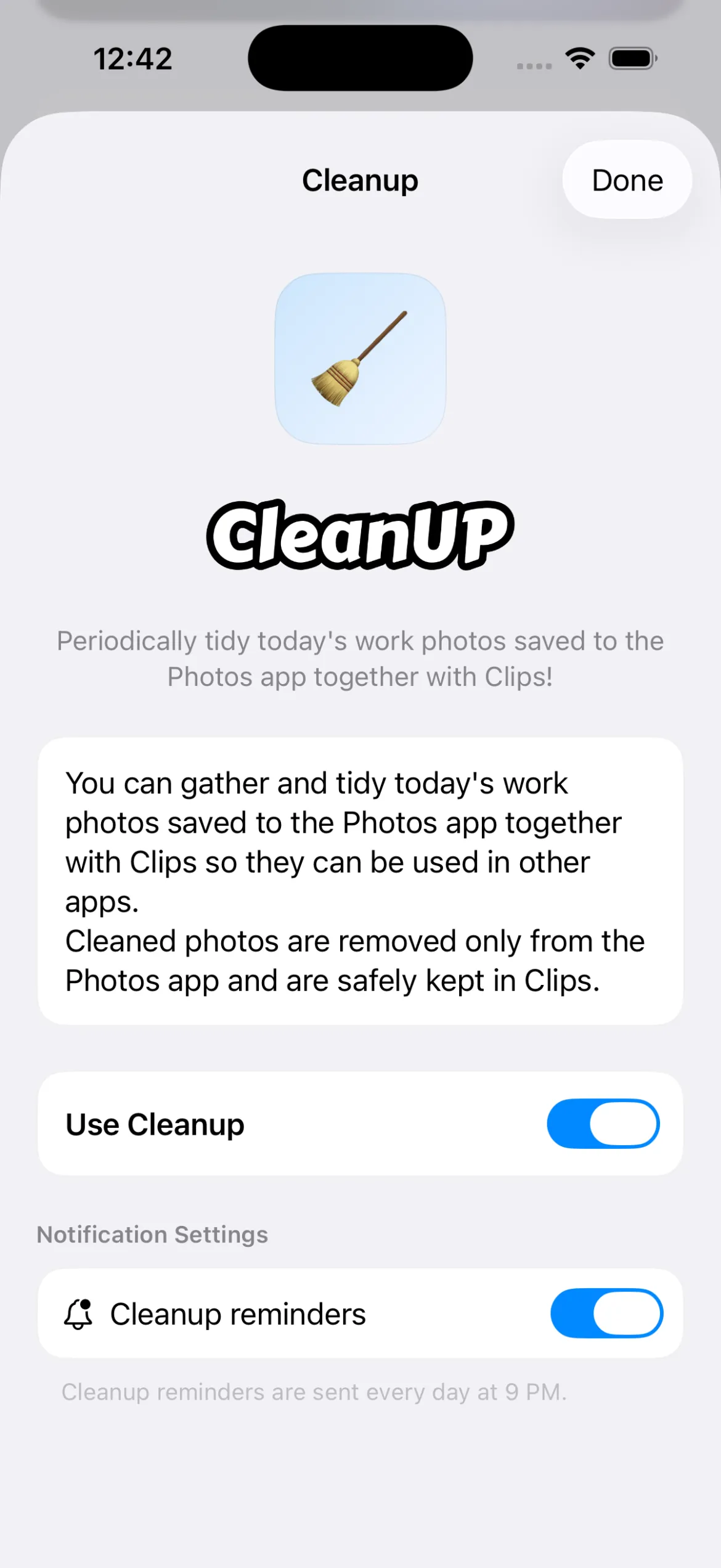
On the settings screen you can enable CleanUp and configure notifications.
What you can configure
- Whether CleanUp is enabled: Turns CleanUp on or off.
- CleanUp push notifications: At 9:00 p.m. every day, we send a push if there are images or videos to tidy.
How to use the cleanup screen
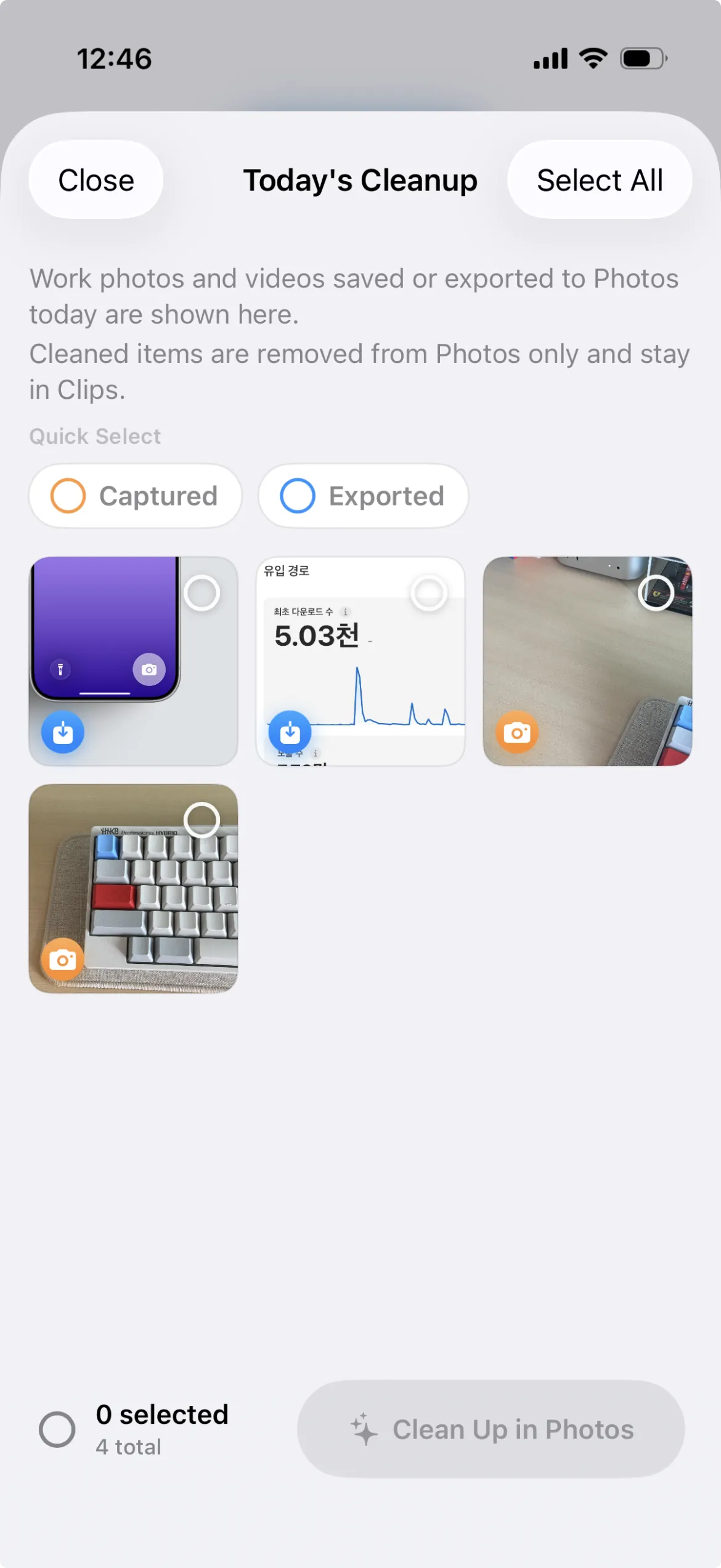
- Review candidate photos in the grid.
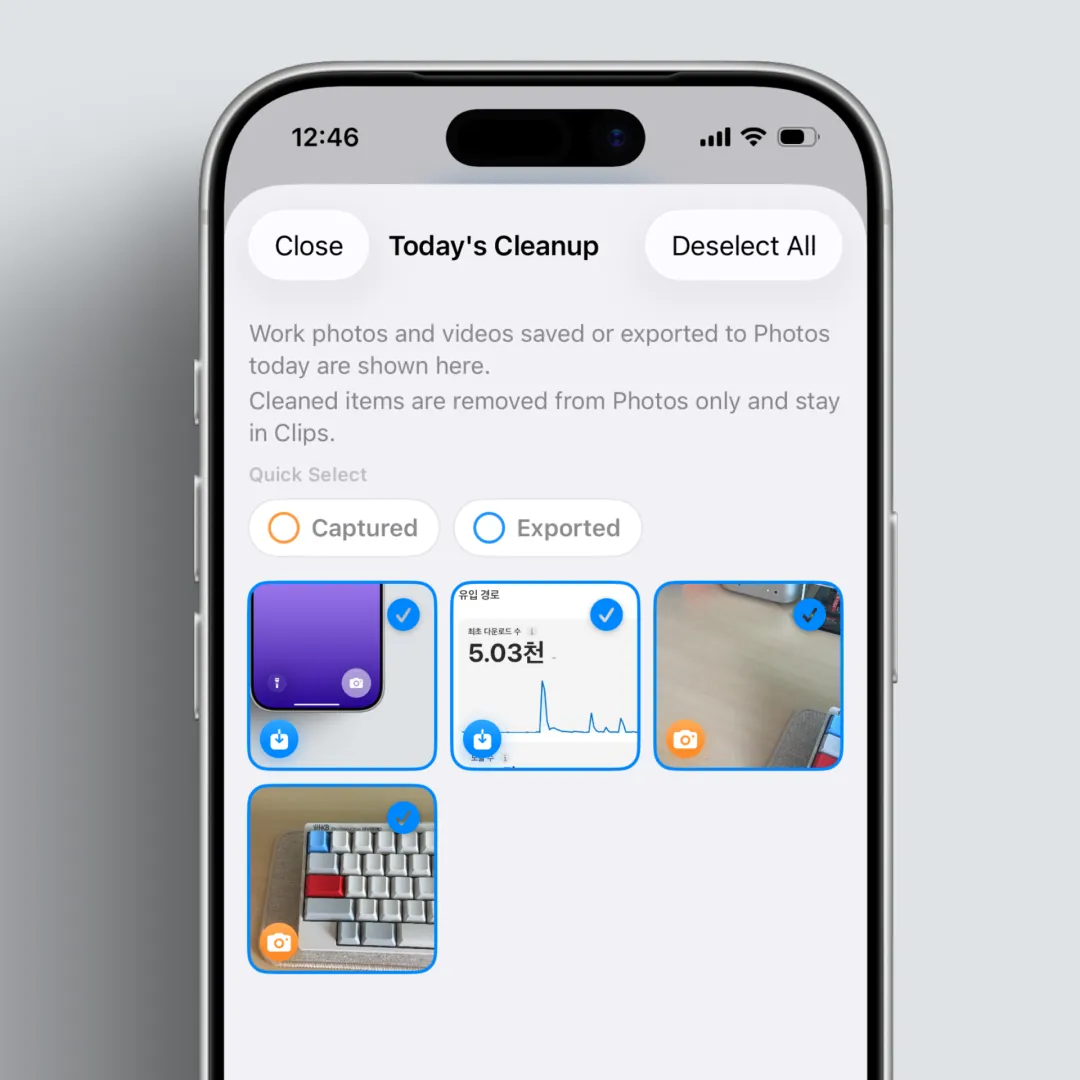
Select multiple items by tap or drag, or use select all / deselect all.
You can also select exported clips and captured clips separately.
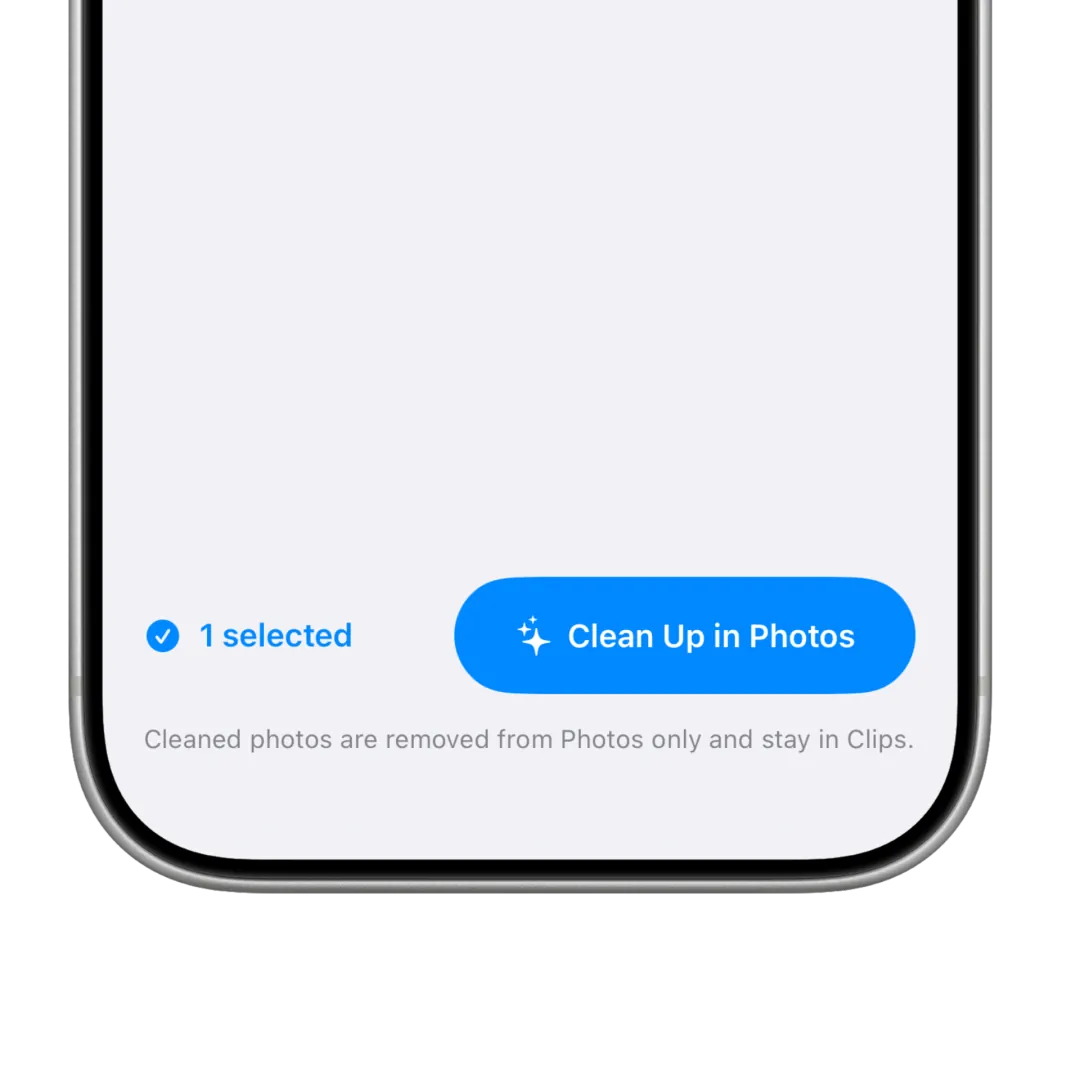
When you run cleanup from Photos, only items that actually exist in Photos are deleted. (Deleting photos and videos from Photos may require permission. If you are asked, please allow it.)
After it runs, you can check the success, partial success, or failure message.
When do notifications arrive?
CleanUp notifications are sent as a push at 9:00 p.m. that day when the feature is ON, notifications are ON, the card visibility conditions are met, and system permission is allowed.
If conditions are not met or permission is missing, push notifications will not work.
FAQ
I don’t see the card.
The feature may be off, or the rule (images saved with Photos exist within the day) may not be met yet.
I’m not getting notifications.
Check both the in-app notification toggle and system notification permission in device settings.
Does cleaning up with CleanUp also delete photos in Clips?
No. Only photos in the system Photos app are cleaned up; Clips records stay.
Key takeaways
- CleanUp finds originals among photos and videos stored in Clips that were also saved to Photos, and tidies them in one go.
- It periodically cleans work photos saved alongside Photos, while keeping Clips records.
- Push notifications and the CleanUp card pop up at the top of the gallery when conditions are met.