
Data guidesIncludes Plus
Storage and backup
How Clips storage works and how to use it.
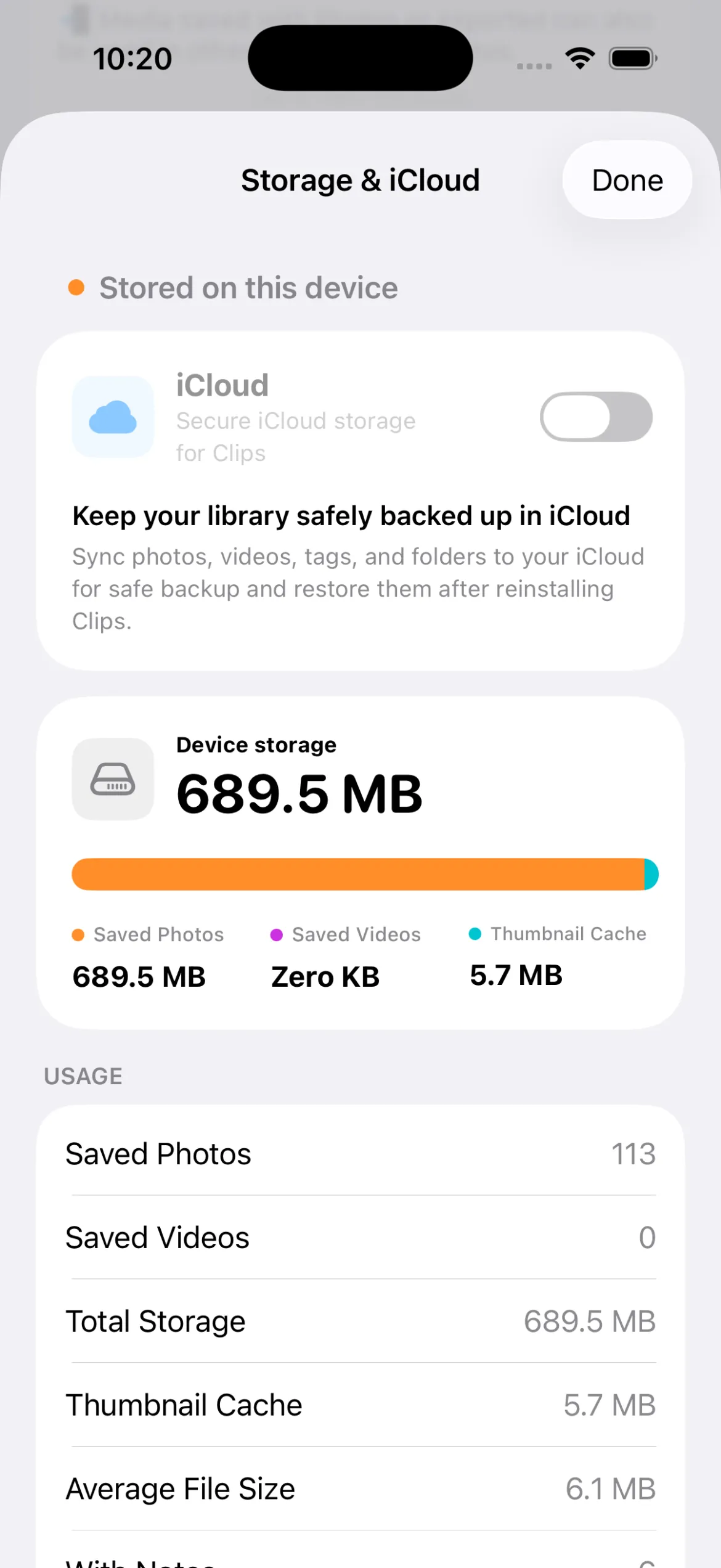
Default storage
By default, Clips keeps every photo and video you capture or import only in local storage on this device.
They are not uploaded to servers or iCloud (on Apple devices), so you can manage sensitive work photos with more peace of mind.
Key takeaways
- By default, Clips stores and manages files on the device (locally).
- Work photos can be kept separately from the system Photos app.
- On iPhone, you can back up and sync through iCloud.