
Feature guides
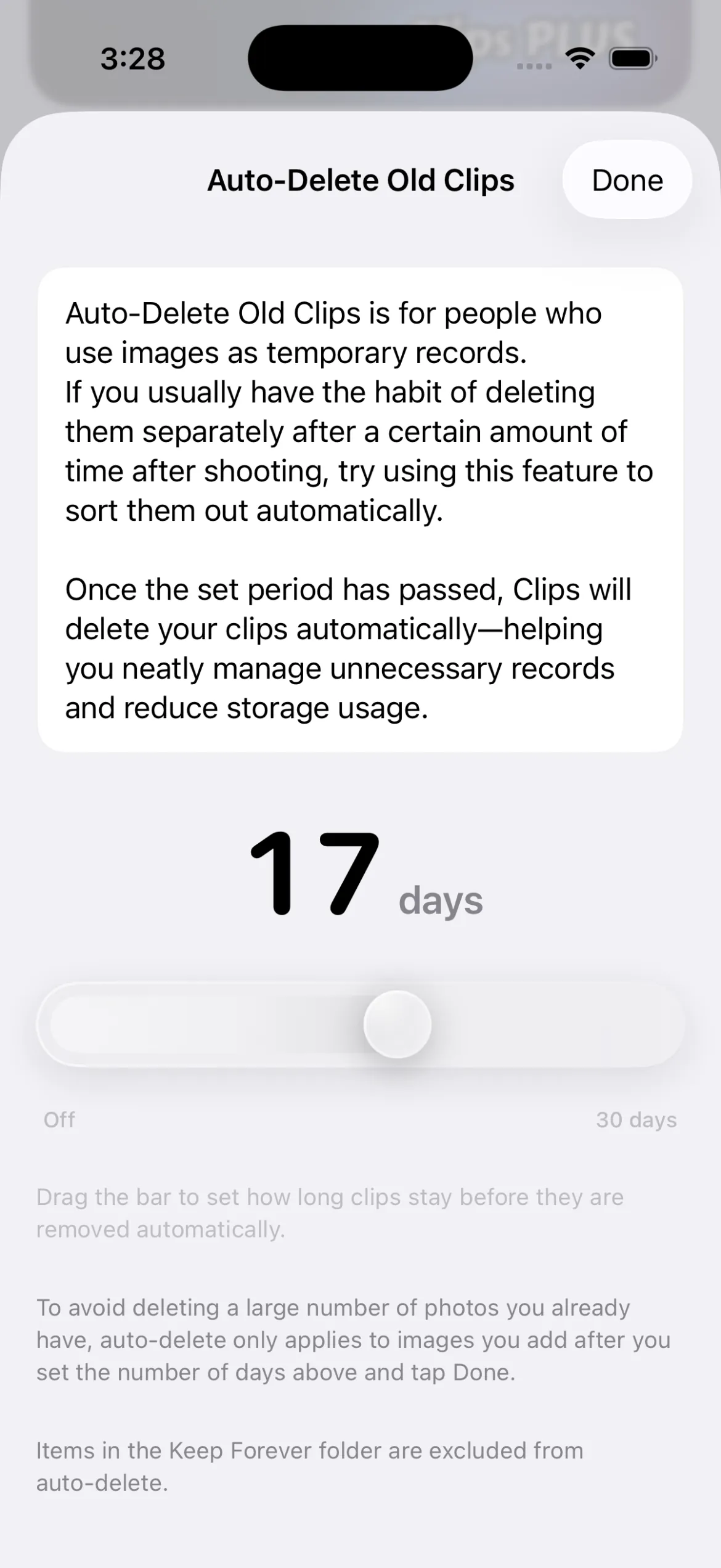
Auto-delete older clips
Automatically tidies temporary record photos after a set period to save space and reduce upkeep.
Recommended if you
Take a lot of work photos and run out of storage quickly
Only need to keep captured photos and videos for a set period
Want to skip hunting down and deleting old work photos by hand
Want Clips to keep photos and videos from piling up automatically
How it works
After the period you set, those clips are deleted automatically.
When deletion runs, iCloud is synced as well. (Clips Plus users only)
You can lighten gallery cleanup while also managing storage.
⚠️ Note when you turn it on
To avoid deleting photos you already have, auto-delete is counted from the day you enable it—not from older existing items.
Key takeaways
- Best for people who mainly keep short-lived records.
- Turns a manual delete habit into automation.
- Helps prevent unused images from piling up.